
If you want to save time and money, choose a website template. But if your business needs a unique design, a custom website may be a better choice. Your decision affects your budget, launch date, and how much control you’ll have over your site later.
Still, both options can look similar at first, which makes the choice harder for business owners. A template and a custom website may look alike on a phone. However, they work differently when you add pages, products, or booking forms.
At Emaglink, our Brisbane-based team has nearly 10 years of experience and has worked on almost 500 web design projects. We focus on creating websites that look good, work well, and give visitors an easy experience.
This guide explains what website templates offer, how much custom design costs in 2026, and how website builders compare with WordPress. You’ll also learn when a template may no longer meet your business needs.
Website Templates Cover More Ground Than Most Business Owners Expect
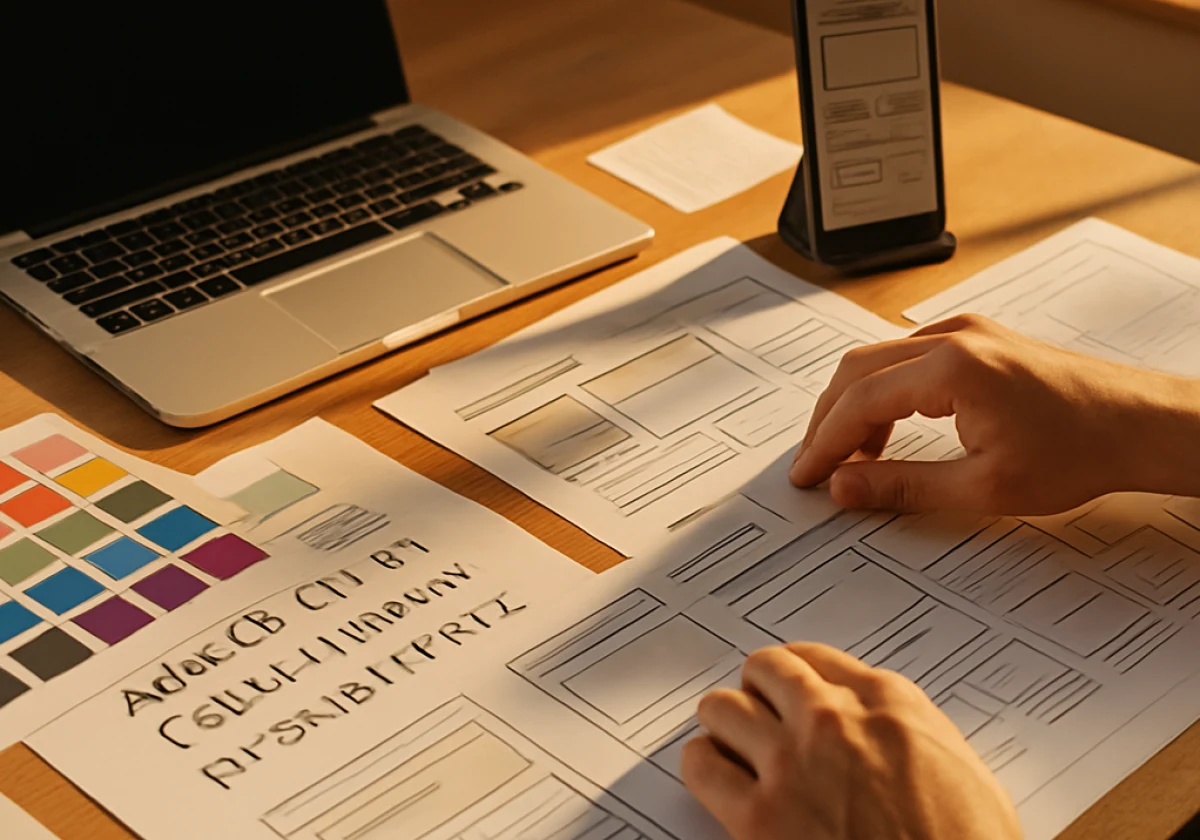
Many small business websites use templates that designers change to suit each business. They update the fonts, colors, photos, and content to give the site a different look. After these changes, visitors may not even notice the original template.
The three sections below cover what templates hand you, where they run out of room, and who they suit.
Features Web Design Templates Offer Out of the Box
Website templates come with ready-made layouts and design features that can save you time. Many support mobile screens, while some also offer contact forms and basic SEO tools. However, you may need to set up hosting, add a privacy policy, or install extra tools before launch.
One useful feature is the ready-made layout, which controls spacing and image sizes across different screen sizes. It helps pages look good on phones and computers without much extra work. But you’ll still need to test your website on different devices before launch.
Still, templates have limits on how much you can change their design and layout. While you can adjust many features, some changes may need extra code or a custom design.
Where Templates Run Short on Design Flexibility
When you need features outside a template’s standard layout, you may have fewer options. For example, you might want a quote form that sets prices based on a customer’s zip code. Your template may not support it without extra code or plugins.
To work around these limits, some business owners add plugins for extra features. But certain plugins can slow down your website and cause visitors to leave before they contact you. According to Google’s research, 53% of mobile visits were abandoned when pages took longer than three seconds to load.
Another limit is brand identity. Since other businesses may use the same template, your website may end up looking like theirs.
We’ve worked on many similar-looking homepages. Often, the solution is better branding rather than a new platform (a pattern we see across trades and local service businesses).
Who Website Templates Serve Best
Website templates suit small businesses that need a simple website without complex features. For instance, a plumber, consultant, or bakery may only need five pages. With a template, they can often launch their website within a week since there’s less design and coding work.
They also work well for businesses that want to test an idea before making a large investment. If a simple online store attracts customers, you can spend the money you’ve saved on ads, photos, or content.
For a new business, these savings can help cover other costs. Templates let you launch a website without spending too much.
However, as orders increase and your needs change, the same template may limit what you can do.
How Much Do Custom Website Designs Cost in 2026?
Custom website design usually comes with a one-time project fee, unlike templates that often have monthly costs. The final price depends on how much design and coding work your website needs.
More complex features often cost extra because developers need more time to build them.
The table below includes the main cost drivers against the template equivalent:
| Cost driver | Why it adds | Template equivalent |
|---|---|---|
| Page count | Each unique layout needs its own design and development | One layout reused everywhere |
| Ecommerce website | Payments, catalog, and shipping rules need custom web development | Stock online store module |
| Brand identity | A designer draws custom designs for the logo, color, and type system | Preset theme styling |
| Support after launch | Someone owns updates, backups, and fixes | The platform handles web hosting |
Website costs can increase because of just two or three of these factors. Before hiring a web design company, ask which factors affect your project’s cost. If your website doesn’t need any of these features, a template may be enough for now.

Website Development: How Website Builders and WordPress Differ
Once you’ve set your budget, the next step is choosing a platform for your website. Website builders and WordPress offer different levels of control and ease of use. Your choice can affect how easily you make changes as your business grows.
Compare the four options below against the work your site has to do:
- Drag And Drop Website Builders: These platforms let you build pages by moving elements into place. They usually handle hosting, security, and backups. However, limited code access can make custom features harder to add.
- WordPress: Plugins let you add extra features, while its content tools help teams publish new pages and posts. You’ll need more time to learn the platform and keep its plugins updated for security.
- AI Website Builder Tools: When you use an AI website builder, it creates a website layout based on a few details about your business. You’ll still need to adjust the design to match your brand and make it unique.
- Agency Built Platforms: A web design company offers custom website design, development, and support when problems arise. Custom services usually cost more, though they give you greater control over your website’s design and features.
It’s important to choose a platform based on your website’s needs rather than its price alone. Website builders suit simple sites, while WordPress and custom design offer more flexibility.
Matching Your Website Design Choice to Your Budget and Timeline
Your budget and timeline can help you decide which website design option suits your business. If you need to launch soon with limited funds, a template may work well. However, custom design may be a better choice if you have more time and need special features.
Start with the questions below, then look at the tools and the exit path.
Questions to Ask Before You Buy Website Design Services
You need to ask first who owns the finished files. The answer will decide whether you can move your site later (get that answer in writing before any money changes hands). You should have control over your hosting, domain name, and design files through accounts you own.
Next, ask how you’ll get access to manage your website once it’s ready. Even an hour of training can help you update pages and content on your own.
Finally, ask for a written timeline with the review points named. Web designers who commit to dates usually keep a tighter process. And that discipline helps professional web design projects stay on schedule.
The Design Tools That Save Small Businesses Time
Do you want to spend less time reviewing website designs? Design tools can help you share feedback and make changes without long email exchanges. For instance, a shared mockup lets you see the layout and point out what needs to change.
Besides design reviews, other tools can save you time when you’re busy with daily business tasks. Stock photo libraries help you find images, while logo kits keep your branding consistent. You can also schedule social media posts in advance to save time during the week.
Plus, website analytics tools can help you track how visitors use your site. They show which pages attract visitors and where people leave.
By checking these reports each month, you can identify problems and improve pages that aren’t performing well.
Moving From a Template to a Custom-Built Website Later
You can start with a website template and switch to a custom design as your business grows. Your content and domain name can move with you. Keeping the same page URLs can also help protect your existing search rankings.
Most of the work involves rebuilding the layout and checking that every link still works. We’ve handled website moves like these and found that content is often easier to keep than links. Also, some links may break during the move and need fixing.
If possible, plan the move during a less busy month so you have time to review the new website. You may need several days to check pages, test features, and fix any problems. Think of it as a step forward as your business grows.
Your Next Step Toward a Site That Earns Its Keep
Your website design should match your business needs and budget. If you need a simple website at a lower cost, a template may be enough. However, if your website needs features that a template can’t support, custom design may be a better choice.
So write down your page count, your budget, and the date you need to launch. Those three answers will point you to one path, and they’ll keep the conversation with any designer short.
Emaglink works on website design and custom brand projects for businesses of every size. Contact the team to talk through your project and find the path that fits your budget.