
Your homepage gets just a few seconds to convince visitors you’re worth their time. That’s barely long enough to read a sentence, yet it’s when first impressions form and credibility is decided.
Most business owners don’t realise their site is losing potential customers during those opening moments. A lot of the time, the issue isn’t effort; it’s the specific homepage design mistakes like cluttered navigation, vague headlines, or text that’s hard to read. These issues quickly undermine trust before anyone even scrolls.
We’re covering the most common trust-killing mistakes below, what they look like on actual websites, and how to fix them before they cost you customers. By the end, you’ll know what to look for and how to improve your homepage’s first impression.
Too Many Menu Items and Competing CTAs

Most homepages create decision paralysis by offering too many choices at once. Site visitors can’t tell which path to take first, so they leave.
The Mistake
You’ll often see websites with navigation like this: Products, Services, Solutions, Resources, About Us, Blog, Careers, Contact, and Support. Then they add “Get Started,” “Book a Demo,” and “Learn More” buttons on top of that.
Users will scan this overload and won’t know what to prioritise. When everything feels important, nothing will stand out. They may bounce because the site asks them to make nine decisions before they even know what the company does.
How to Fix
- Cut your navigation to 5-6 links maximum.
- Pick one primary CTA and make it obvious.
- Move secondary actions to the footer or less prominent spots.
- Test what users click instead of guessing.
Your Headline Is Vague or Generic
Your headline is the first thing visitors read when they land on your homepage, and it often decides whether they keep scrolling or leave. You might assume that a generic, safe headline is fine, but it usually backfires.
The Mistake
Headlines like “Welcome to Our Website,” “Innovative Solutions for Modern Businesses,” or “Quality Services You Can Trust” appear on thousands of homepages.
They sound professional but tell visitors almost nothing about what you do, so they leave before even learning if you can solve their problem. That’s wasted space where you should be explaining what makes your company different or useful.
How to Fix
- State exactly what you do in plain language.
- Include who you serve or what problem you solve.
- Skip buzzwords like “innovative,” “solutions,” or “quality.”
- Test headlines with people outside your company to see if they understand immediately.
Tiny Fonts and Text Over Busy Images
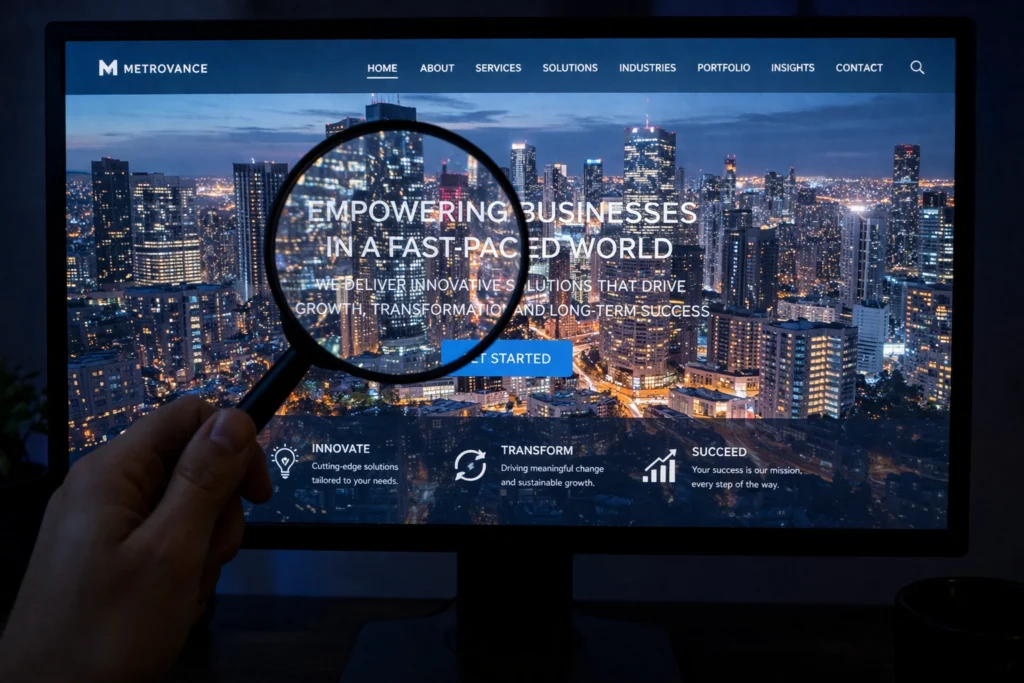
Readable text is the foundation of every functional homepage, but it’s one of the first things sacrificed when designers prioritize visual appeal. If visitors can’t read your content comfortably, they won’t explore what you offer.
The Mistake
This mistake usually shows up in hero sections, such as when white or light grey text is placed over busy backgrounds like city skylines, office spaces, or product shots. At first glance, the design might look polished, but the text often blends into the background, making it hard to read.
Two design choices make it worse. First, designers tend to use 12px or smaller body text, forcing visitors to squint. Second, they skip the dark overlays that would create contrast between text and image.
Together, these choices make your homepage unreadable for anyone with even minor vision challenges.
How to Fix
- Use a minimum 16px font size for body text.
- Add dark overlays or backgrounds behind text on images.
- Keep important text as live text, not part of image files.
- Always include descriptive alt text for images.
- Test your site’s contrast ratios using accessibility tools.
Generic Stock Photos That Feel Fake
Stock photos are easy and affordable, which is why they’re used everywhere. But when visitors recognize images they’ve seen on dozens of other sites, they start questioning whether anything about your business is real.
The Mistake
Generic stock photos make your website feel like a template and create connection problems. They show perfect strangers in staged scenarios that have nothing to do with your real work.
Ultimately, visitors want to see your team, your workspace, and your products, not models pretending to be them. So, generic visuals create distance when what you really need is trust.
How to Fix
- Replace stock photos with images of your actual team, office, and products.
- Hire a local photographer for a half-day shoot if your budget allows.
- If you must use stock, choose candid documentary-style shots over obviously staged corporate scenes.
- Skip the cliché business imagery: handshakes, headsets, perfect lighting with no context.
No Contact Info or Security Badges Anywhere
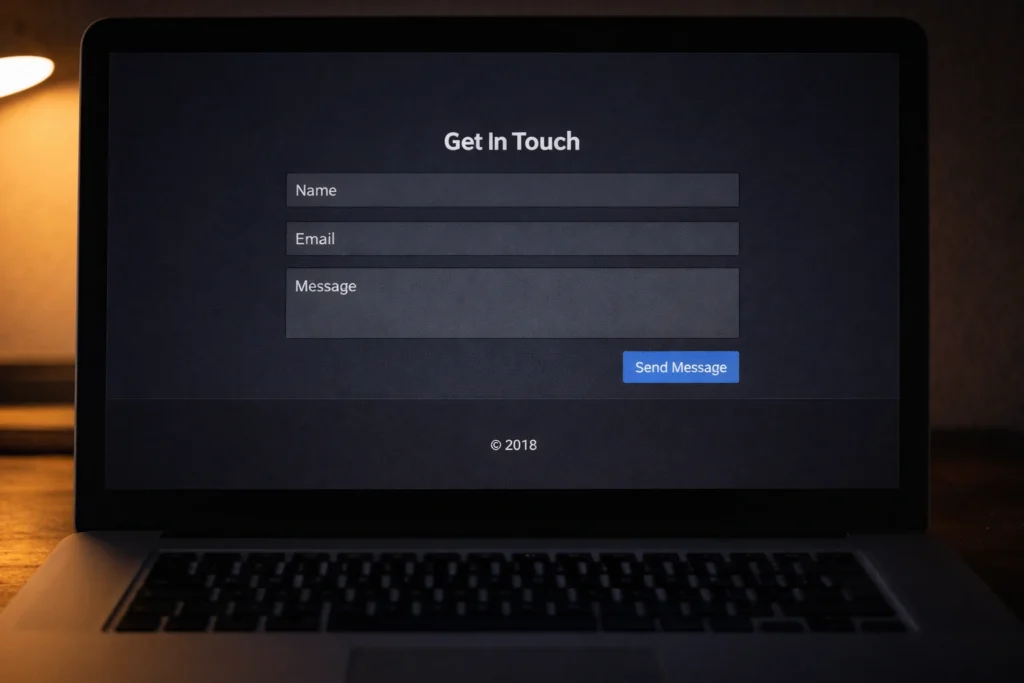
Imagine calling a plumber whose van has no phone number painted on the side, no company name, and tinted windows. You’d probably keep scrolling to the next option, and your visitor is no different.
The Mistake
Many websites bury contact information in footer menus or separate pages requiring multiple clicks. Some skip physical addresses entirely, showing only a generic contact form with no phone number or email visible on the homepage. And to visitors researching whether you’re legitimate, this pattern screams “something to hide.”
The credibility damage multiplies when you layer on other neglect signals. An outdated copyright footer reading “© 2018” suggests you abandoned the site years ago. Plus, broken social media links or missing security badges reinforce the impression that nobody maintains your online presence.
How to Fix
- Display phone number and email in your header or footer on every page.
- Include physical address and business hours prominently on your homepage.
- Add relevant trust badges: SSL certificates, secure payment icons, or industry certifications.
- Update copyright dates annually and audit all external links quarterly.
Your Homepage Isn’t Mobile-Friendly
A homepage that doesn’t work on mobile tells visitors you don’t care about their experience (even if it’s not true). Since over 66% of web traffic comes from phones, that first impression affects most of your potential customers.
The Mistake
Even though mobile users make up most web traffic, a lot of sites still prioritize desktop design. As a result, navigation menus break, text shrinks to unreadable sizes, images force horizontal scrolling, and buttons get cut off or overlap other elements. These issues make your site feel unreliable and reduce trust immediately.
How to Fix
- Test on actual phones (iPhone and Android), not just by resizing your browser window.
- Use responsive design frameworks that adapt automatically to screen sizes.
- Size buttons and tappable elements at a minimum of 44×44 pixels.
- Simplify mobile navigation with well-spaced, easy-to-tap menu items.
Pages That Take Forever to Load
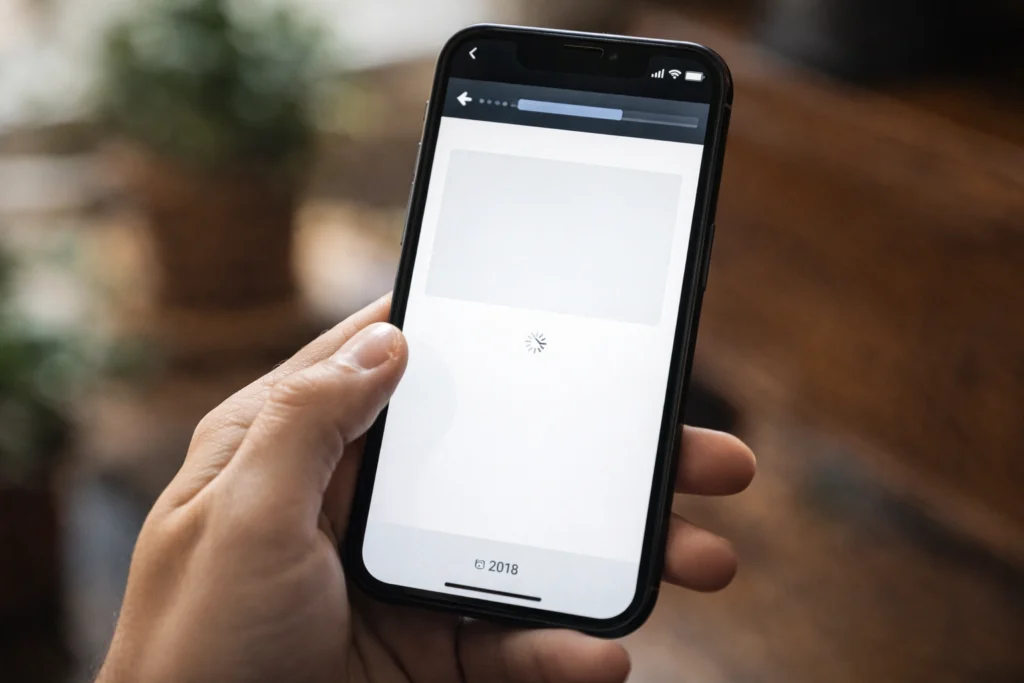
The slower your pages load, the worse the visitors’ first impression. In fact, pages that take longer than 3 seconds to load lose 53% of visitors.
The Mistake
The most common cause of slow load times is oversized images. A single uncompressed hero image can be 5MB or larger, slowing your page to a crawl on mobile connections.
Many sites also load every script and tracking code upfront instead of prioritizing what users need to see first. These files add up fast, stretching a 2-second load into an 8-second wait that drives visitors to faster competitors.
How to Fix
- Compress all images before uploading using tools like TinyPNG.
- Enable browser caching so repeat visitors don’t re-download everything.
- Minimize JavaScript and CSS files to reduce page weight.
- Use lazy loading for images below the fold.
- Test regularly with Google PageSpeed Insights and fix flagged issues.
Fix These Homepage Design Mistakes Before Launch
These homepage design mistakes don’t need a complete redesign to fix. Most come down to testing on real devices, simplifying navigation, and choosing authentic visuals. Small changes create better first impressions and build credibility faster than adding more features.
Start by auditing your homepage on an actual phone and check whether your contact information appears on the first screen without scrolling. Next, replace stock photos with real images of your team or workspace. Finally, compress any large image files and run a speed test with Google PageSpeed Insights to catch what’s slowing your site down.
If you need professional help fixing these issues, Emaglink works with Brisbane businesses to create websites that earn trust and convert visitors into customers.