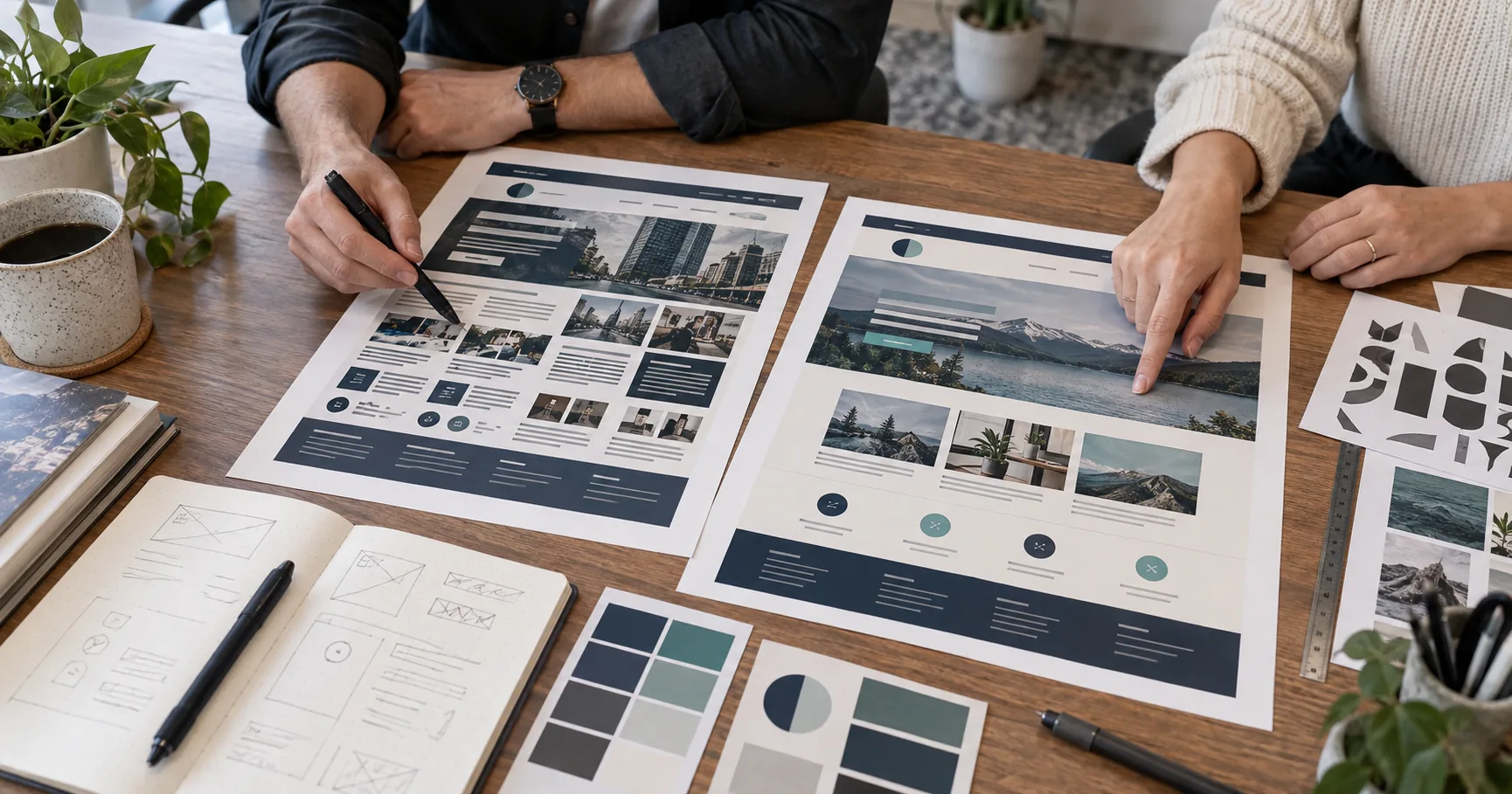
Most business owners hesitate before a website redesign. They worry customers won’t recognize the site anymore, and that fear is fair. A poorly planned redesign can erase years of brand identity built through logos, colors, and customer trust.
A redesign doesn’t have to work that way. Some elements protect your brand, and others simply need a refresh. The guide below breaks down exactly which elements to keep and which to update, so you can refresh your site without losing the identity your customers already trust.
Website Redesign: Where Does Your Brand Identity Really Live?
Your brand identity lives in the details customers recall without thinking. Your logo, your website’s color palette, your tone of voice, and the general feel of every page work together to build that familiarity. If you change too many of those details at once, loyal customers may start to wonder if they clicked the wrong link.
And this kind of hesitation happens fast. A 2006 study from Carleton University found that people form an opinion about a website’s visual appeal within 50 milliseconds. That’s long before anyone reads a single word of copy.
A first impression forms almost instantly, and it either matches what a customer already expects from your brand or it doesn’t. The safest approach treats brand identity as a foundation worth protecting rather than a variable worth testing.
At Emaglink, we’ve watched businesses lose repeat customers over a logo redraw that felt unnecessary. The new logo tested well on its own. Customers simply didn’t recognize it as theirs anymore. The gap between well-designed and recognizable is where trust breaks down.

The Brand Guidelines Worth Protecting During a Web Design Refresh
Not every part of your site needs a rulebook, but the core brand elements do. Clear guidelines keep your logo, colors, and messaging consistent even when different people touch the site months apart.
Here’s what those guidelines should lock down before a redesign begins:
- Logo Usage Rules: Your logo needs defined variants, a full version, an icon-only mark, and a simplified version for small spaces. Teams without clear rules tend to stretch, crop, or recolor a logo without realizing they’re eroding its recognition. A written rule sheet prevents that kind of drift, and it saves your designer from having to redraw approvals from scratch on every project.
- Approved Color Combinations: Document the exact color palette your brand uses, including hex codes and acceptable pairings. If a redesign introduces a new layout, keep the colors customers already associate with your business. Small shifts in shade can erode that familiarity over time, especially across a site with dozens of pages built by different people.
- Consistent Messaging Guidelines: Your tone of voice matters as much as your visuals do. Headlines, calls to action, and even error messages should sound like the same business wrote them. A style guide keeps that voice steady across every page. It gives your team one source of truth instead of every writer making a different call.
Guidelines like these don’t slow a redesign down. They speed it up, because nobody has to guess what’s allowed. With that groundwork in place, the next question is which elements can change without putting any of this at risk.
Can Your Visual Identity Change Without Losing Brand Recognition?
Yes, if you change the right layer and leave the recognizable one alone. Visual identity splits into two parts: the elements customers memorize and the elements that simply carry those memorized details forward. Let’s know why that split matters for a redesign.
Colors and Typography Stay Fixed
Your color palette and font choices are the elements customers memorize, often without realizing it. Swap your signature blue for a trendier shade, and even loyal customers notice the difference before they can say why.
Typography works the same way. A font change alters the personality of every headline on your site. That’s why most businesses keep their core typeface untouched and adjust only its weight, size, or spacing.

Imagery and Layout Can Modernize
Photography, page layout, and white space fall into a second group of brand elements. Unlike your logo and colors, these elements carry your identity forward instead of anchoring it directly. That flexibility means dated stock photos, cramped grids, and outdated button styles can all update without threatening how customers place your brand.
Start with a few practical swaps. Try real product shots in place of stock photography, and open the layout with more white space. At the same time, keep the logo and color palette untouched throughout. These changes can make the site feel more current while preserving the visual cues existing customers already recognize. They also give new visitors a more professional first impression.
The same principle guides usability too: protect core identity and modernize everything built around it. If your redesign needs to serve a wider range of visitors, the W3C’s accessibility guidance explains how to build usability in from the start. Following that guidance keeps the identity customers already know intact.
And if you get the identity-versus-experience split right, customers on any device will recognize your brand within seconds.
What Establishing Trust Looks Like on a Freshly Redesigned Site
Trust on a redesigned site shows up in small, practical signals like page speed and a working contact form. Every visitor reads these signals within seconds, whether they notice it or not. A mismatch between the old site and the new one can shake a first-time visitor’s confidence before they even scroll.
The table below compares old trust signals with the ones customers expect now.
| Old Trust Signal | What Customers Expect Now |
| A slow-loading homepage | A page that loads in under three seconds on any device, including mobile devices |
| A hidden or buried contact page | Contact details visible within one or two clicks |
| Generic stock photography | Real product shots or team photos |
| A cluttered navigation menu | A short, clear menu with obvious next steps |
| No visible security or reviews | Visible trust badges, testimonials, or client logos |
Most of these shifts are measurable. Google Analytics shows exactly where visitors drop off, and those metrics reveal patterns a quick glance never would. It also shows how long they stay before deciding your site is worth their time. We’ve watched trust signals like page speed and clear navigation move customer behavior faster than visual polish does on its own.
A slow page can erode trust before a visitor reads a single word. That’s true no matter how good your brand identity looks once it finally appears. A slower site also loses potential customers before they ever become loyal ones.
Salsify’s 2026 Consumer Research report found that 68% of shoppers will pay more for products from a brand they trust. Trust starts building the moment a page loads, and it can break just as fast if the experience falls short.
Bottom Line: Trust signals and brand identity work as a team. A fast, clear site earns trust quickly, and that trust makes customers more receptive to every visual detail your redesign gets right.

A Brand Consistency Checklist for Your Next Web Design Project
Keeping brand consistency alive through a redesign takes a few deliberate checks. Most drift happens in small ways nobody planned for: a shade that shifts slightly, a tone that loosens on one page but not another. Run through these checks before your new site goes live.
- Audit Every Page: Compare each new page to the brand guidelines from earlier in this process. You should check logo placement, color accuracy, and tone of voice on every template. This includes even the pages customers rarely visit first.
- Check Audience Recognition: Your target market should recognize the business behind the new design just as easily as before. So walk through the site as that customer would, and check whether the messaging still speaks to their pain points the way it used to. Note anywhere the tone shifts from what that customer expects, since even small mismatches can push a visitor toward a competitor.
- Test Load Speed: Compare your new site’s load times against the old one using Google’s Core Web Vitals data. A slower site undoes the trust a strong brand took years to build. So give this step attention before launch. Fixing speed problems after customers arrive costs you more than catching them early.
- Get Outside Feedback: A few loyal customers can spot what a design team misses, since they know what the brand looked like before. Ask them to look at the new site before it goes live, and take note of any customer feedback that flags something as unfamiliar. Check that feedback against your brand guidelines ahead of launch.
When we audit a site before a redesign at Emaglink, brand drift usually shows up in the smallest details first. A slightly off shade of blue, an inconsistent button style, or spacing that varies from page to page are common culprits. Catching these early costs far less than fixing them after launch.
If your redesign also touches URLs or page structure, follow Google’s guidance on site migrations to protect your search rankings through the redesign.
Ready to Protect Your Brand Image Through a Website Redesign?
A website redesign should feel like an upgrade rather than a reintroduction. Customers should recognize your business the moment the new site loads, even as the experience around it gets faster, cleaner, and easier to use.
The elements worth protecting are the ones customers already know by heart: your logo, your colors, and your tone of voice. Everything else, photography, layout, navigation, and page speed, has room to modernize without putting that recognition at risk.
Run through your brand guidelines before the first wireframe gets built. Test load speed before launch instead of waiting until after. Ask a few loyal customers what they notice first, since their reaction often tells you more than any internal review will.
Get this balance right, and your brand comes out of the redesign looking sharper, without losing an ounce of familiarity. Ready to talk it through? Contact Emaglink and we’ll help you plan a redesign that keeps your brand intact.